Image to video AI
AnimateImage.AI turns a single image into a video. Upload a photo, a product shot, a drawing or an AI image, write one sentence about how it should move, and get a 5, 10 or 15-second video in seconds. No editing, no timeline, no video skills.
How image to video AI works
- 01Upload an image (JPG, PNG or WebP, up to 10 MB).
- 02Describe the motion: "she turns to the camera and smiles", "the waves roll in, the camera slowly pulls back", "the bottle spins on the table".
- 03Pick the length (5, 10 or 15 seconds) and the quality: Fast for quick drafts, Best for the most detail, up to 4K.
- 04Download your video or share it with a link. Videos you make are yours to use, including for your business.
What you can make from a single image
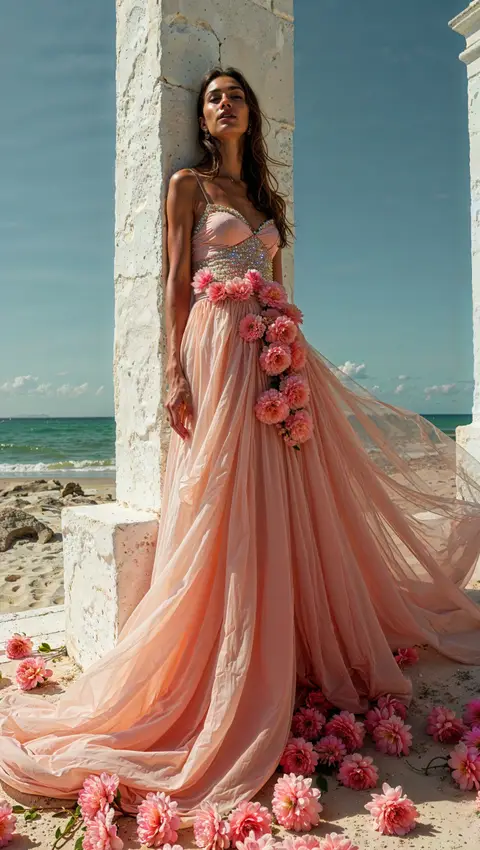
- Portraits that smile, blink, turn or wave
- Product photos that spin, glow or come together for your store and ads (see AnimateImage.AI for Shopify)
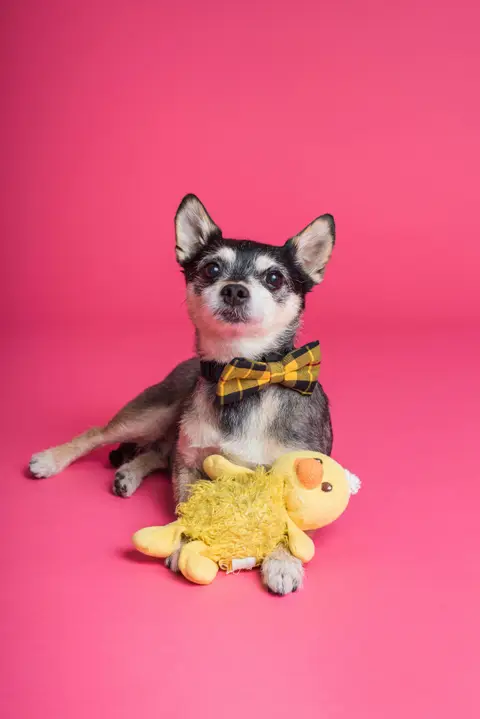
- Pets that wag, run and play: AI pet videos
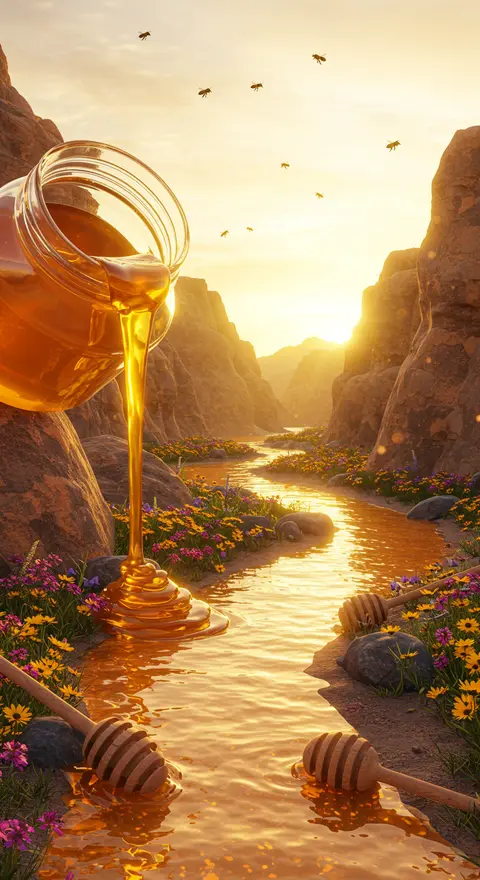
- Landscapes and city shots with flowing water and drifting clouds: moving photos
- Miniature worlds, art and illustrations that come to life
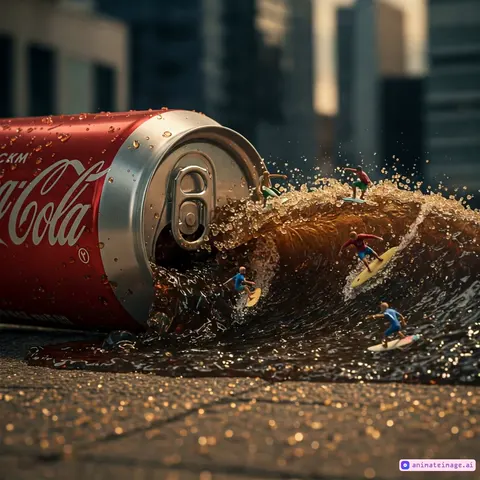 Tiny surfers riding soda waves from a spilled can
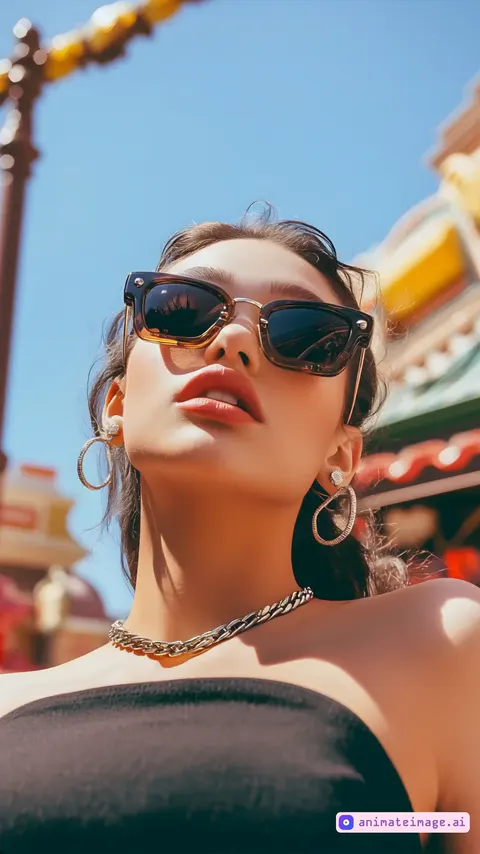 Woman pulling a playful face at camera, smooth orbit
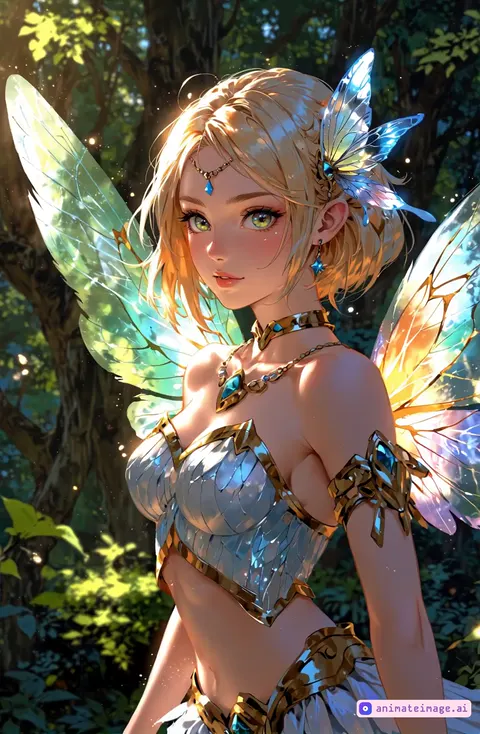 Camera orbiting a subject in a smooth AI video
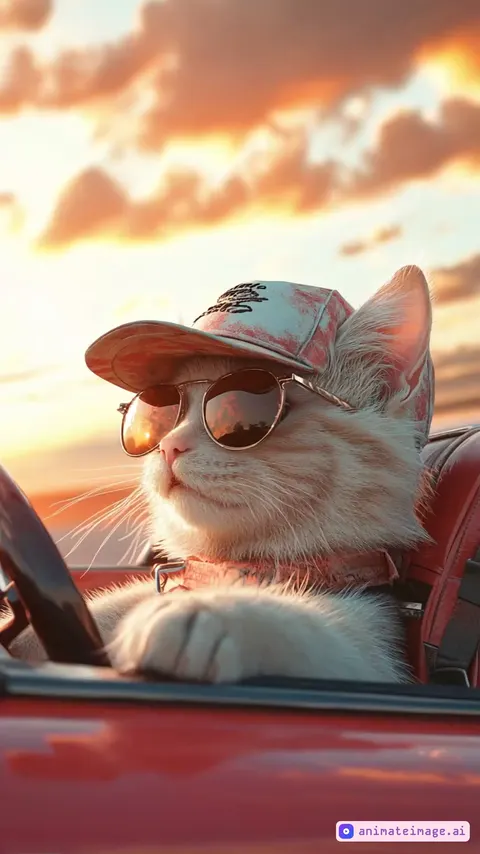 Cat driving a car along a tree-lined road, side view
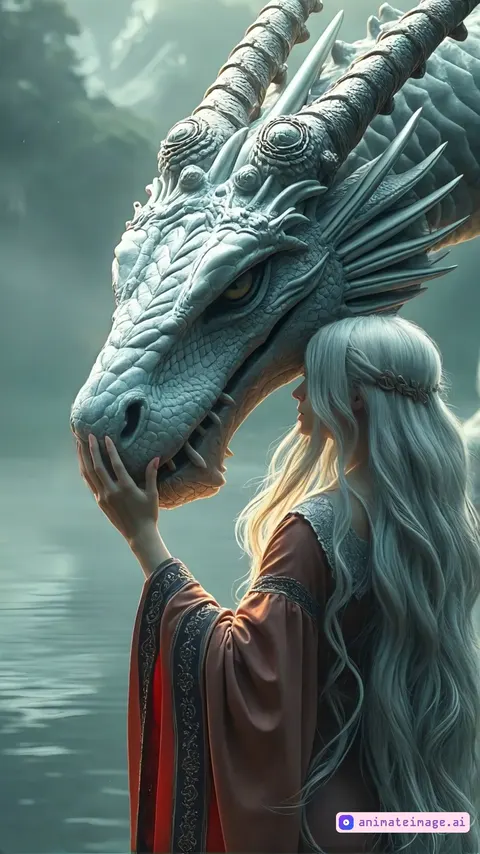 Woman stroking a dragon's face in a misty fantasy scene
 Coffee foam dog muzzle dancing as the coffee steams
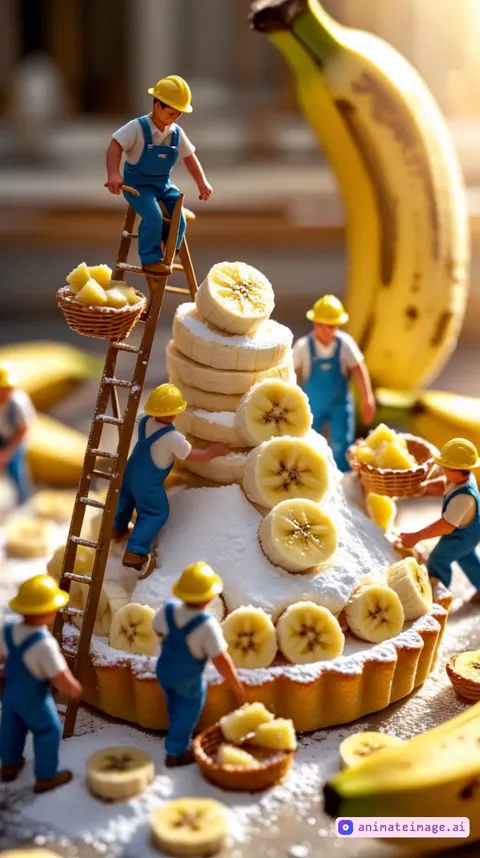 Tiny workers building a banana tart like a construction site
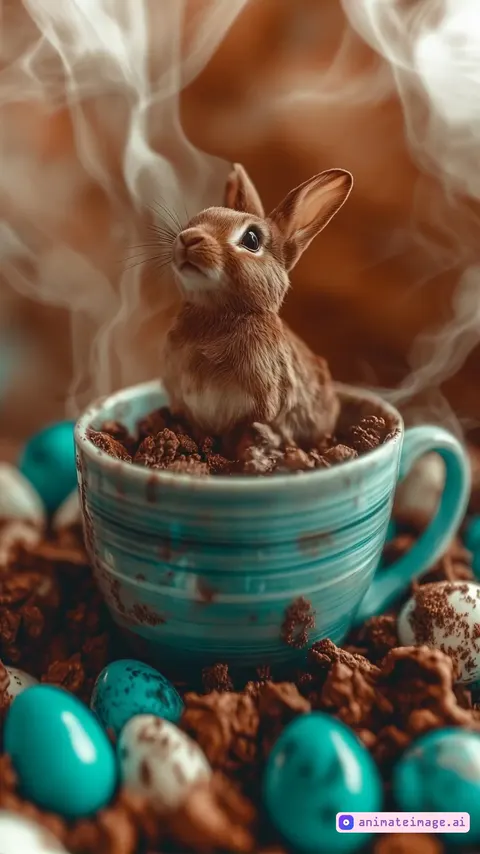 Rabbit sitting in a steaming cup, sniffing the air
Image to video AI vs. slideshow makers
Slideshow tools put several photos one after another with transitions. Image to video AI creates new motion inside one picture: a head that turns, hair in the wind, a camera that moves through the scene. Use a slideshow tool to combine many photos; use AnimateImage.AI to make one photo come alive.
Tips for better AI videos
- Describe one clear action and how the camera moves.
- Say what should stay still: "the background stays still".
- Start from a sharp image where the subject isn't cut off.
- Keep it short: one or two sentences work better than a paragraph.
Fast or Best: which quality to choose
Fast is the quickest and cheapest way to try an idea, from 480p to 1080p. Best gives the most detail, up to 4K. Credits depend on quality, resolution and length; see pricing for the full table.
Image to video AI: questions
Is it free?
New accounts get 15 free credits, enough for a first 5-second video. After that, credit packs start at $6.50 and plans at $9 a month.
How long does it take?
Your video is ready in seconds.
Can I use the videos commercially?
Yes. You own the videos you create, for personal or commercial use.
What images work best?
Sharp photos or illustrations with a clear subject. JPG, PNG or WebP up to 10 MB.
Can I make longer videos?
Each video is 5, 10 or 15 seconds.
Turn your first image into a video
Create your first video in a few minutes.