AnimateImage for marketing
Give your campaigns motion
Turn the images you already have into short videos for campaigns, landing pages and social channels. Describe the motion and download the MP4.
What you can make
- 01
Landing page visuals
Put a few seconds of motion in a hero section instead of a still image.
- 02
Social campaigns
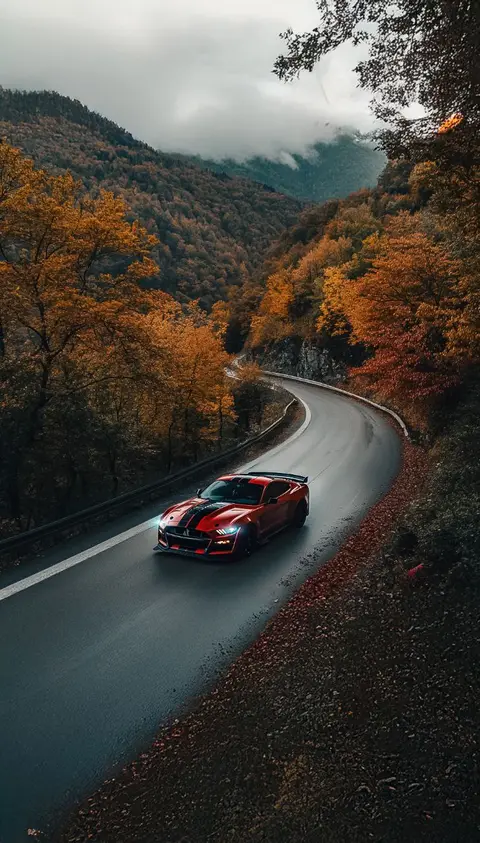
Start from a vertical, square or landscape image for each channel: the video keeps its shape.
- 03
Ideas, fast
Try several motions on one image to explore directions before you commit production time.
Try a description like this
You tell it how the photo should move. Plain sentences work best.
In the shape of your image
The video keeps the shape of the image you upload. Clips are 5, 10 or 15 seconds, with sound, downloaded as an MP4 up to 4K.
Vertical 9:16
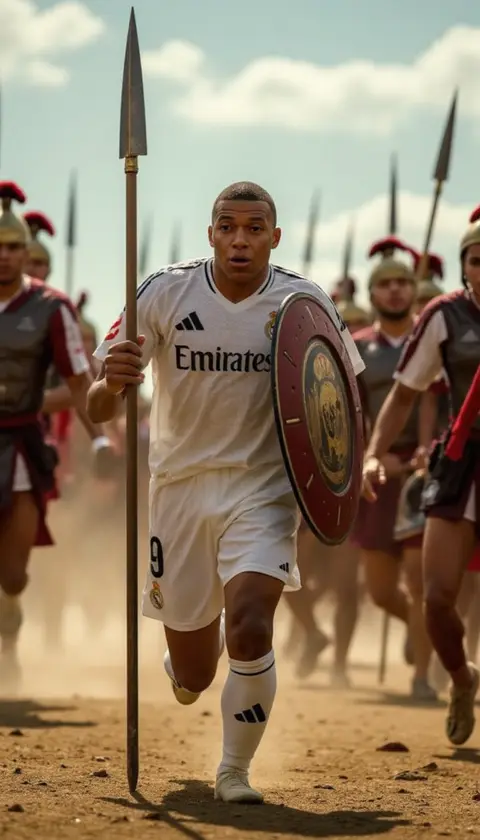
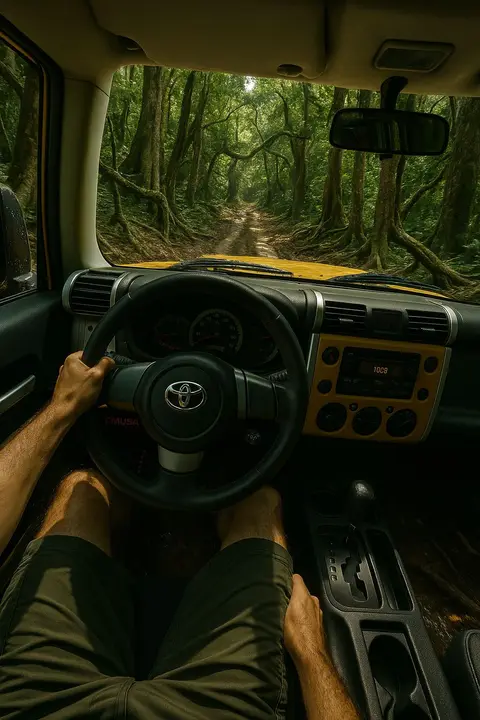
A 9:16 photo gives a video for Reels, TikTok, Shorts, Stories
Square 1:1
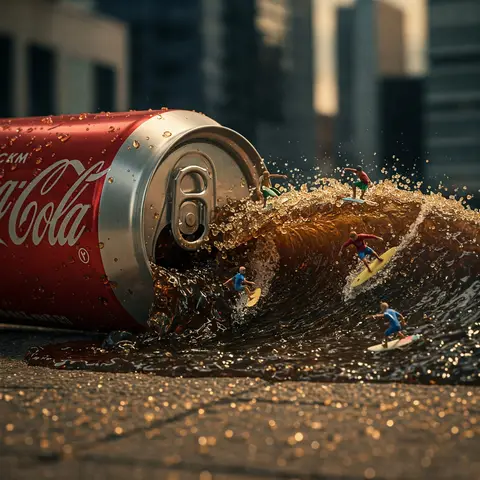
A 1:1 photo gives a video for feed posts and product grids
Landscape 16:9
A 16:9 photo gives a video for websites, ads and slides
How it works for marketing
No editing software, no filming, no learning curve.
- 01
Choose a photo
Upload a JPG, PNG or WebP image. Any subject works: products, portraits, places, pets.
- 02
Describe the motion
Say what should move, like "she turns and smiles" or "the camera slowly zooms in".
- 03
Get your video
In less than 10 seconds with Fast, or about a minute at higher quality, your video is ready to preview, download as MP4, and post anywhere.
Questions, answered
Can I add text, a logo or a call to action?
AnimateImage generates the motion. Add text, logos and calls to action afterwards, in the editor you already use.
What formats do I get?
Videos keep the shape of your image, at 5, 10 or 15 seconds, as an MP4 up to 4K with sound.
Can I use the videos in paid campaigns?
Yes. You own the videos you create and can use them for commercial purposes according to your plan.
How long does it take to convert an image to video?
Fast videos are generated in less than 10 seconds. Higher quality videos usually take about a minute, and can take up to 3 minutes, depending on the complexity of the image and the selected animation style. Our advanced AI works quickly to deliver high-quality results.
Do I own the videos I create?
Yes, you retain full ownership of all videos created using our platform. You can use them for personal or commercial purposes according to your subscription plan. We do not claim any rights to your original images or the videos generated from them.
Ready to give your campaign motion?
Create your first video in a few minutes.