AnimateImage for cinema
Turn a still into a scene
Upload a film still, a piece of concept art or a character design, describe the camera move and the action, and see the moment play out. A quick way to test a look or share an idea.

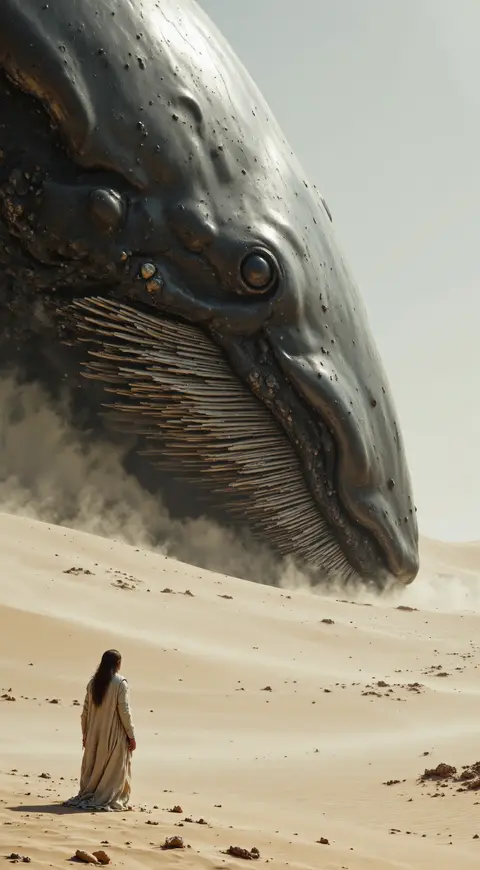
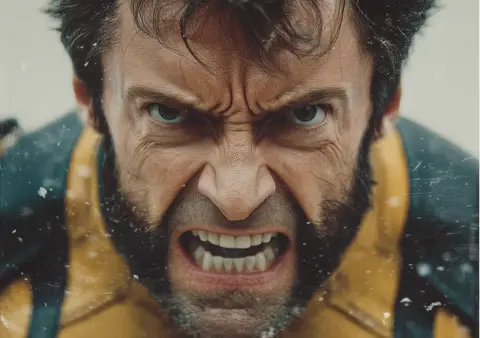
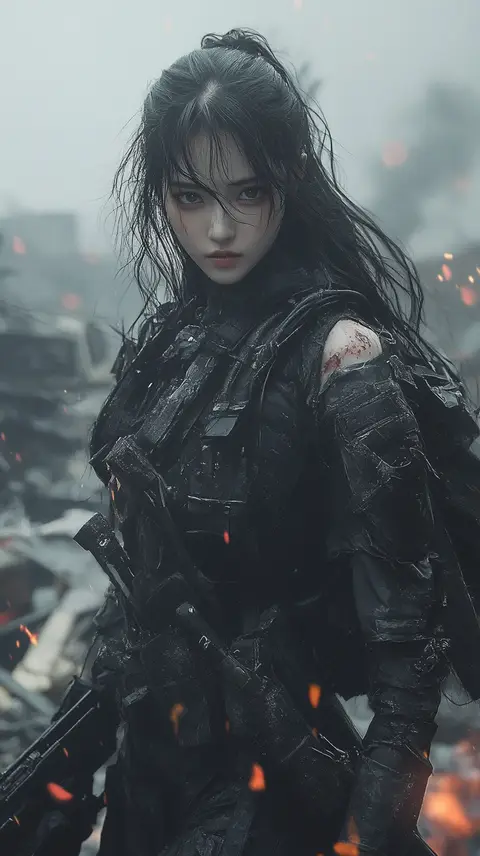
What you can make
- 01
Concept art in motion
Show how a landscape, a creature or a vehicle might move before anyone builds it.
- 02
Pitches and mood reels
Make a few short clips from key frames to give a pitch more than still images.
- 03
Teasers and social
Vertical or widescreen clips of a scene or character for your channels and your newsletter.
Try a description like this
You tell it how the photo should move. Plain sentences work best.
In the format you need
Clips are 5 or 10 seconds, downloaded as a 1080p MP4.
Vertical 9:16
Reels, TikTok, Shorts, Stories
Square 1:1
Feed posts and product grids
Landscape 16:9
Websites, ads and slides
From photo to video in three steps
No editing software, no filming, no learning curve.
- 01
Choose a photo
Upload a JPG, PNG or WebP image. Any subject works: products, portraits, places, pets.
- 02
Describe the motion
Say what should move, like "she turns and smiles" or "the camera slowly zooms in".
- 03
Get your video
In 2-3 minutes your video is ready to preview, download as MP4, and post anywhere.
Questions, answered
Ready to see your photos move?
Create your first video in a few minutes.