AnimateImage for small business
Make videos from the photos you already take
A photo of a dish, a haircut, a product or your storefront can become a short video for your posts and your website. No camera crew and no editing skills.


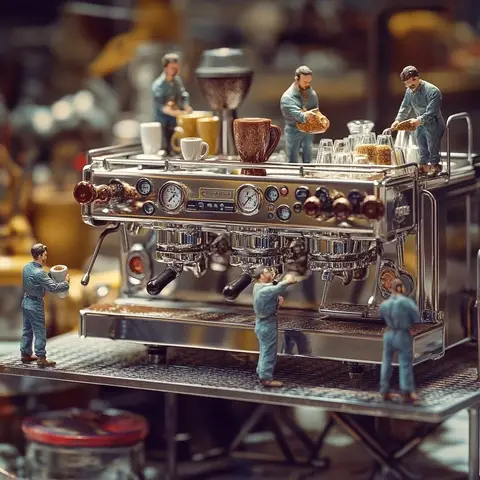

What you can make
- 01
Menu items and products
Steam from a dish, a slow turn of a cake, a product catching the light.
- 02
Your place
Bring a photo of your storefront, your interior or your atmosphere to life.
- 03
Posts and your website
Vertical and square clips for social, landscape for your site.
Try a description like this
You tell it how the photo should move. Plain sentences work best.
In the format you need
Clips are 5 or 10 seconds, downloaded as a 1080p MP4.
Vertical 9:16
Reels, TikTok, Shorts, Stories
Square 1:1
Feed posts and product grids
Landscape 16:9
Websites, ads and slides
From photo to video in three steps
No editing software, no filming, no learning curve.
- 01
Choose a photo
Upload a JPG, PNG or WebP image. Any subject works: products, portraits, places, pets.
- 02
Describe the motion
Say what should move, like "she turns and smiles" or "the camera slowly zooms in".
- 03
Get your video
In 2-3 minutes your video is ready to preview, download as MP4, and post anywhere.
 Shopify app
Add videos to your Shopify products, without leaving Shopify
Pick a product and an image, describe the motion, and save the finished video straight to the product listing. No downloading, uploading or editing.
Questions, answered
Ready to see your photos move?
Create your first video in a few minutes.